For many professionals, Outlook is both the nerve center of their workday and the place where hours slip away. Long email threads, scheduling conflicts, and endless follow-ups can take more time than the work itself. Copilot in Outlook, part of the Microsoft 365 Copilot suite, helps you reclaim some of that time. It summarizes long…
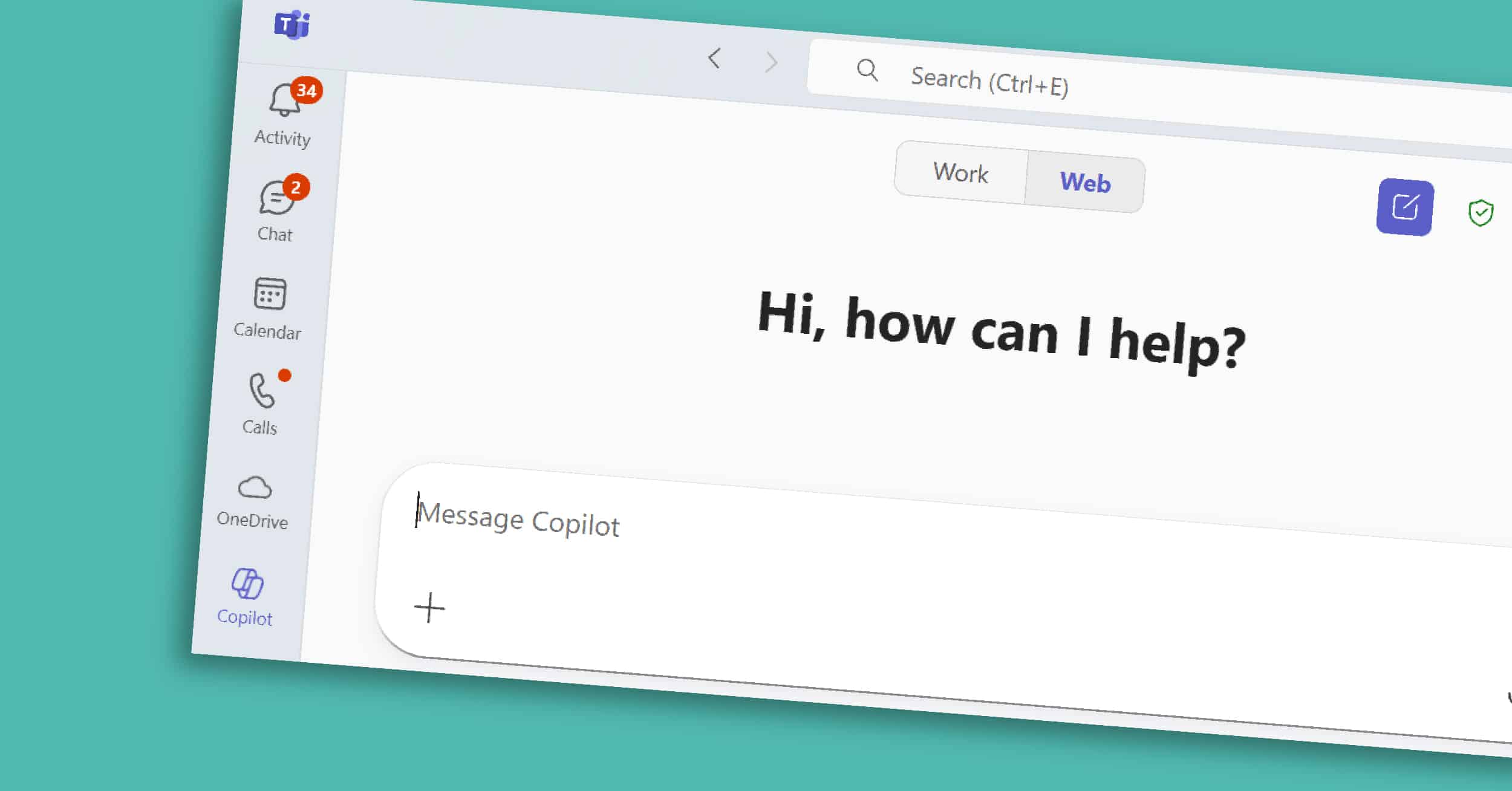
Copilot Chat works across Microsoft 365, giving you one place to ask questions, find information, and prepare for the day. Unlike Copilot features embedded in Word or Excel, Copilot Chat is where you can ask a question once and tap into emails, documents, chats, and more — in one place. It’s the starting point for…
Copilot in PowerPoint is a visual and organizational powerhouse within the broader Microsoft 365 Copilot suite. Presentations are often where strategy meets storytelling — but building a deck can take hours of formatting, reworking slides, and hunting for the right visuals. With Copilot built into PowerPoint, you can move from a blank slide to a…
In any organization, communication gaps, outdated documents, and disconnected tools can quickly lead to confusion and lost productivity. Whether it’s HR policies, onboarding materials, or company-wide announcements, teams need a reliable place to access essential resources. That’s where an Employee Resource Hub built in SharePoint comes in. By centralizing key information in a single, easy-to-navigate…
Draft a Winning Proposal with Copilot for Word Learn how Microsoft Copilot can help you craft professional proposals quickly and efficiently. In this video, we walk you through the process of using Copilot to generate, edit, and share high-quality proposals without the hassle. Additional Demos You Might Be Interested In Analyze a Dynamics 365 Financial…
Plan and Execute a Team Project in Microsoft Teams With Microsoft Teams, you can bring everything together in one place—tasks, files, notes, and discussions. In this video, we’ll walk you through how to set up a seamless project workspace in Teams, ensuring your team stays on track and organized throughout the project lifecycle. Additional Demos…
Endless email chains, misplaced files, and slow response times can bog down productivity. Thankfully, SharePoint and Microsoft Power Automate offer a streamlined solution for automating the document approval process. In this guide, we’ll walk you through setting up a document approval workflow in SharePoint using Power Automate. Why Automate Document Approvals in SharePoint? An automated…
Build an Employee Resource Hub in SharePoint An Employee Resource Hub in SharePoint gives your team a single, reliable place to find policies, tools, and company updates, simplifying communication, supporting self-service, and keeping everyone on the same page. In this demo, we’ll cover how to build one for your organization. Additional Demos You Might…
Set Up a Document Approval in SharePoint In this demo, we’ll walk through setting up a document approval process directly in SharePoint using Microsoft Power Automate (Flow). This process streamlines the review and approval of documents by automating notifications and workflows, reducing manual steps, and ensuring timely decisions.
Analyze a Dynamics 365 Financial Statement with Copilot for Excel Demo With the ability to analyze Dynamics 365 financial statements with Copilot for Excel, you can quickly uncover trends, summarize key metrics, and generate actionable insights using natural language—no complex formulas required.