AI is no longer a nice-to-have; it’s transforming how businesses work today. Microsoft 365 Copilot brings artificial intelligence directly into the apps your teams already rely on: Teams, Outlook, Word, PowerPoint, and Excel. For executives and decision-makers, Copilot isn’t just another tool. It’s a strategic partner that drives measurable results: reduced time spent on routine…
Most organizations overpay for Microsoft 365 because they put an entire workforce on a single plan (usually E3 or E5) when many users never touch the premium features they are paying for. The fastest way to find out is to compare what each user actually uses against what their license includes. In the reviews we…
Microsoft 365 Copilot costs $30/user/month for enterprises or $18/user/month for organizations under 300 users, but these are add-on prices only—your real cost is the base plan plus Copilot, typically $30–$90/user/month. The biggest cost mistake is overpaying for plans most users don't fully use; right-sizing by role instead can save 39–52% annually. Critical deadline: June 30, 2026, when enterprise volume discounts expire.
On July 1, Microsoft’s pricing reset takes effect, and while it may not sound like a big deal at first glance, it’s one of those moments worth paying attention to. At the end of this month, current promotional pricing around Copilot will shift to standard licensing prices. However, through June 30, businesses can take advantage of discounted Copilot Business…
AI is no longer a side conversation. For many organizations, it is quickly becoming a core part of how work gets done, how decisions are made, and how teams drive growth. That shift is creating a new reality for business and IT leaders. It is not enough to simply give people access to AI tools.…
The Spreadsheet Trap Excel is everywhere. For small and mid-sized businesses (SMBs), it often feels like the glue holding everything together. Need to track inventory? Someone builds a spreadsheet. Need a customer list? Spreadsheet. Project budgets? Timesheets? Reporting? You guessed it: another spreadsheet. The problem is that while Excel offers flexibility, it never serves as…
Microsoft and Google are no longer just advancing cloud office tools; they’re embedding generative AI into every document, email, and meeting. The real choice businesses face today isn’t between features; it’s between ecosystems. The best AI assistant is the one that works where your team already lives. This article compares Microsoft Copilot for Microsoft 365…
Most of us have a love–hate relationship with Excel. It’s where budgets are created, forecasts are tested, and performance is evaluated. But it’s also where hours can be lost to formula errors, cluttered data, and charts that never quite tell the full story. This is exactly the kind of work Copilot in Excel can simplify.…
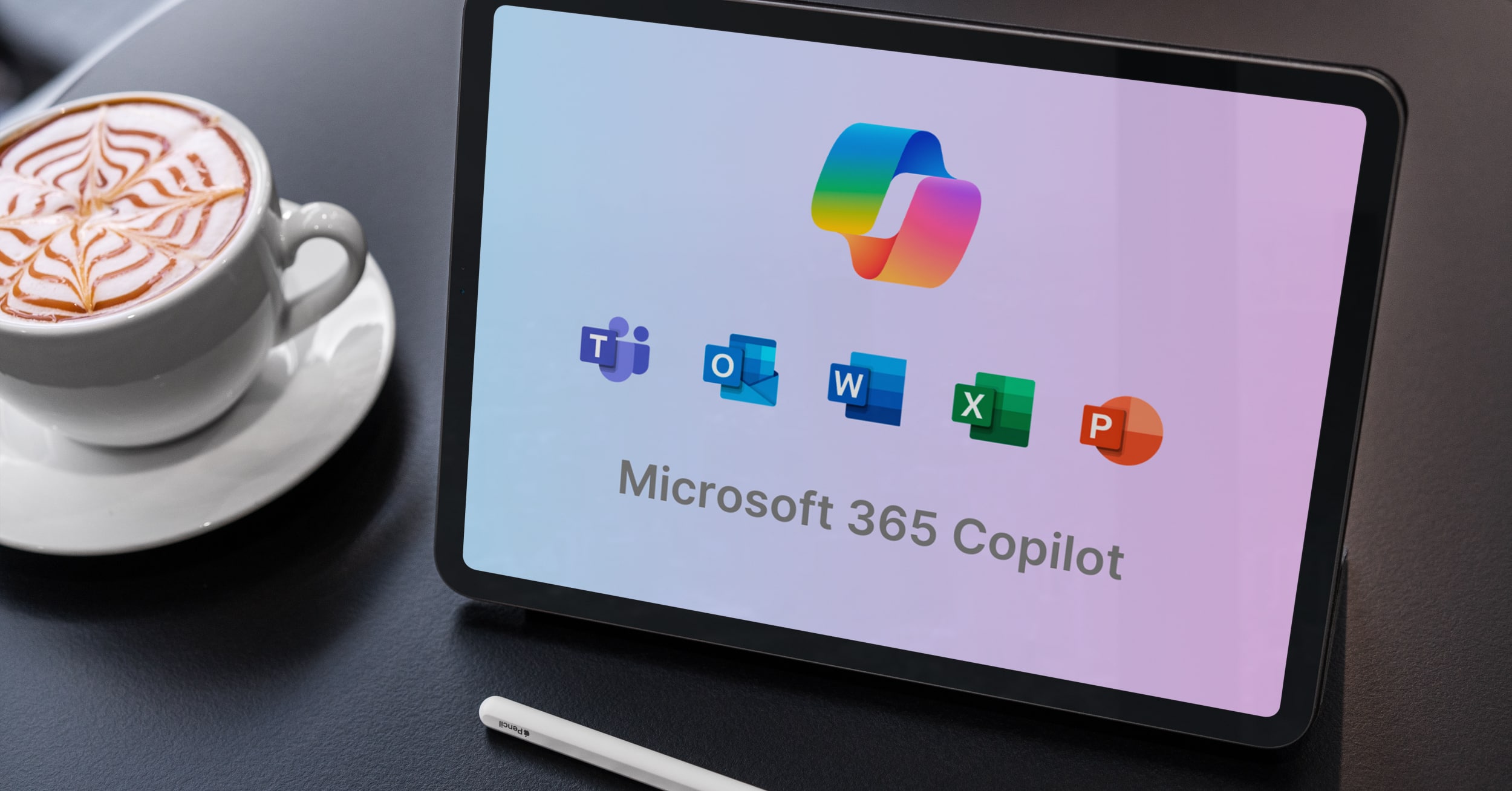
Microsoft 365 Copilot brings AI into the apps your team already uses every day — Word, Excel, PowerPoint, Outlook, and Teams. Copilot works alongside you in the Microsoft 365 suite, ready to draft, analyze, summarize, and organize whenever you need it. To help you see where Copilot can make the biggest impact, we’ll explore its…
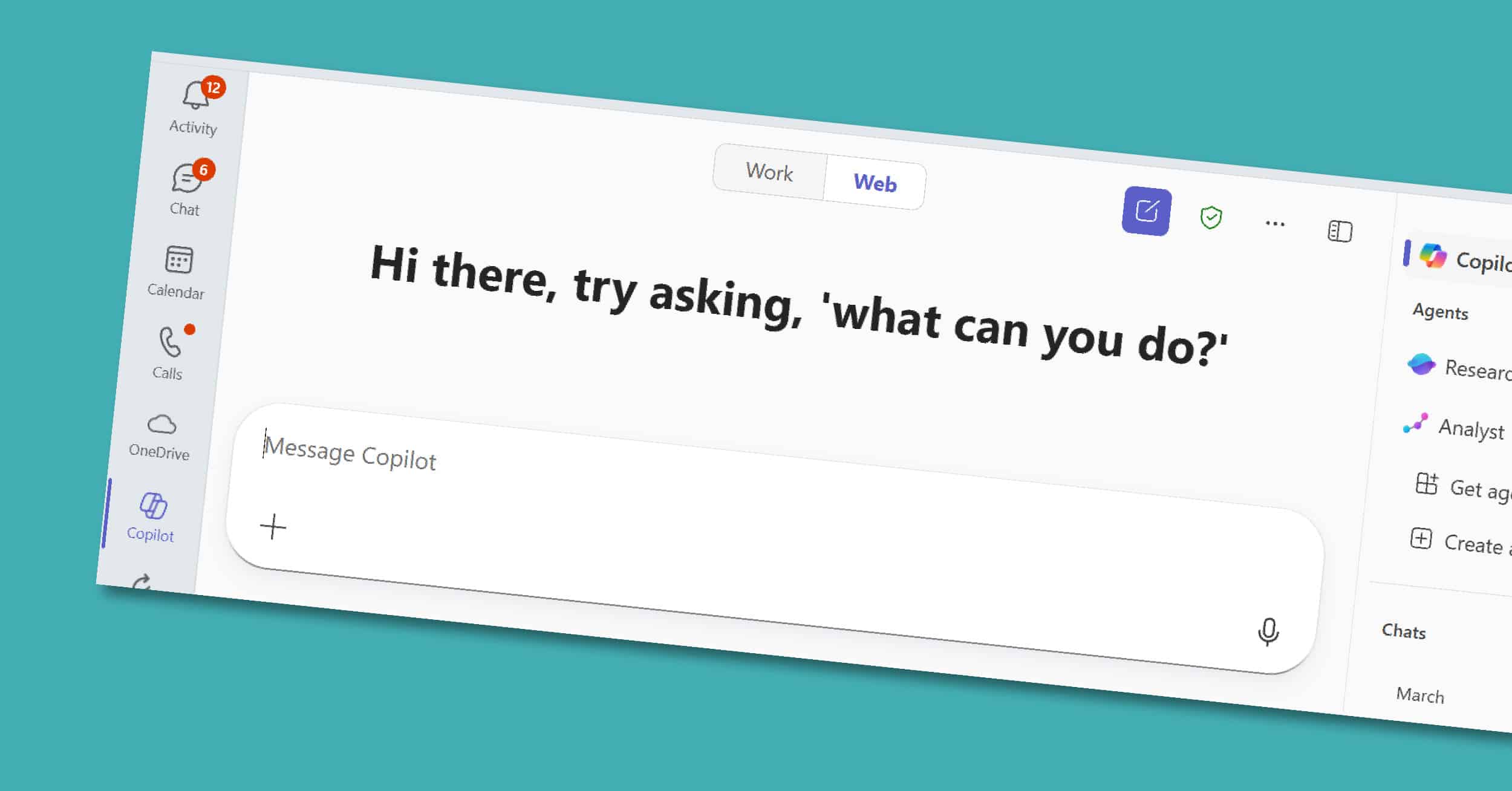
Copilot in Teams is the collaborative core of the Microsoft 365 Copilot suite. For many organizations, Teams is where conversations happen, decisions are made, and projects move forward. However, with back-to-back meetings and fast-moving chats, it’s easy for important details or action items to get overlooked. Copilot helps by adding structure and clarity — summarizing…