CFOs today are leveraging AI to drive smarter decisions, streamline operations, and shape enterprise strategy. As digital transformation accelerates, finance leaders are no longer just managing the numbers, they’re shaping the strategic direction of their organizations. AI is no longer experimental; it’s embedded in core finance processes and has become a key differentiator for CFOs…
Most of us have a love–hate relationship with Excel. It’s where budgets are created, forecasts are tested, and performance is evaluated. But it’s also where hours can be lost to formula errors, cluttered data, and charts that never quite tell the full story. This is exactly the kind of work Copilot in Excel can simplify.…
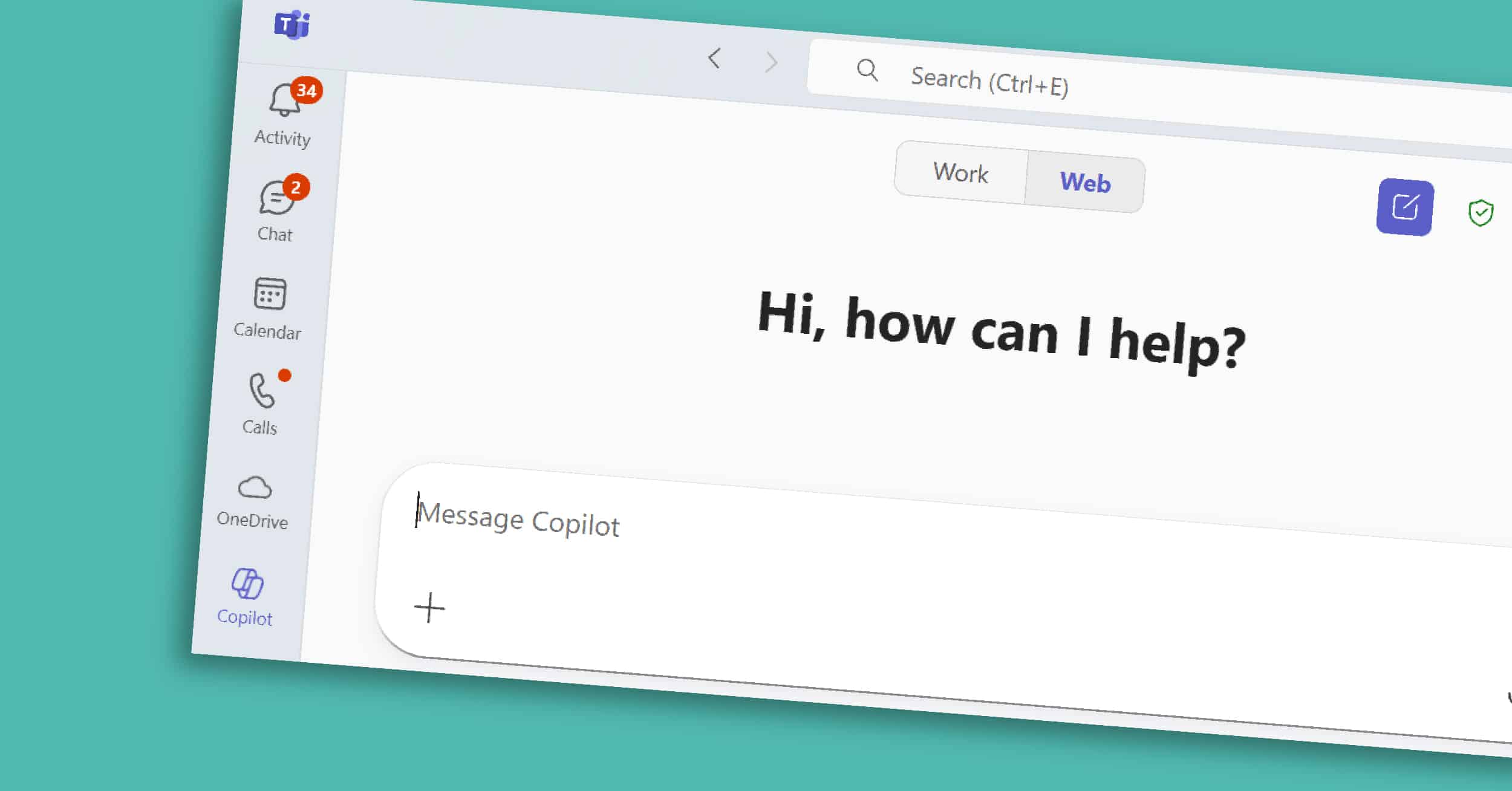
Copilot in Teams is the collaborative core of the Microsoft 365 Copilot suite. For many organizations, Teams is where conversations happen, decisions are made, and projects move forward. However, with back-to-back meetings and fast-moving chats, it’s easy for important details or action items to get overlooked. Copilot helps by adding structure and clarity — summarizing…
Most of us spend hours each week in Word — drafting, rewriting, and reformatting. Copilot in Word, part of the broader Microsoft 365 Copilot suite, is designed to take on those repetitive tasks so you can focus on shaping ideas and delivering impact. In this short guide, we’ll explore what Copilot in Word is, its…
For many professionals, Outlook is both the nerve center of their workday and the place where hours slip away. Long email threads, scheduling conflicts, and endless follow-ups can take more time than the work itself. Copilot in Outlook, part of the Microsoft 365 Copilot suite, helps you reclaim some of that time. It summarizes long…
Copilot Chat works across Microsoft 365, giving you one place to ask questions, find information, and prepare for the day. Unlike Copilot features embedded in Word or Excel, Copilot Chat is where you can ask a question once and tap into emails, documents, chats, and more — in one place. It’s the starting point for…
Copilot in PowerPoint is a visual and organizational powerhouse within the broader Microsoft 365 Copilot suite. Presentations are often where strategy meets storytelling — but building a deck can take hours of formatting, reworking slides, and hunting for the right visuals. With Copilot built into PowerPoint, you can move from a blank slide to a…
Velosio Named to Microsoft Inner Circle for AI Business Solutions: 30th Consecutive Year Atlanta, Georgia — September 4, 2025 — Velosio, a leading provider of Microsoft business solutions, has been recognized as a member of the Microsoft Inner Circle for AI Business Solutions, marking the company’s 30th consecutive year receiving Inner Circle distinction. This exclusive…
What if finance teams could spend less time reconciling spreadsheets and more time driving strategy? That’s not a hypothetical. It’s happening now. In our recent webinar, The Future of Finance: How AI Enhances Efficiency & Drives Growth, experts from Velosio and Microsoft unpacked how artificial intelligence — specifically Microsoft Copilot for Finance — is reshaping…
CFOs are stepping into a powerful new role — not just as financial stewards, but as drivers of AI and digital transformation across the enterprise. With direct access to operational and financial data, a mandate to drive efficiency and control, and increasing pressure to guide strategic growth, finance leaders are in the best position to…