

Category: ERP & Business Applications
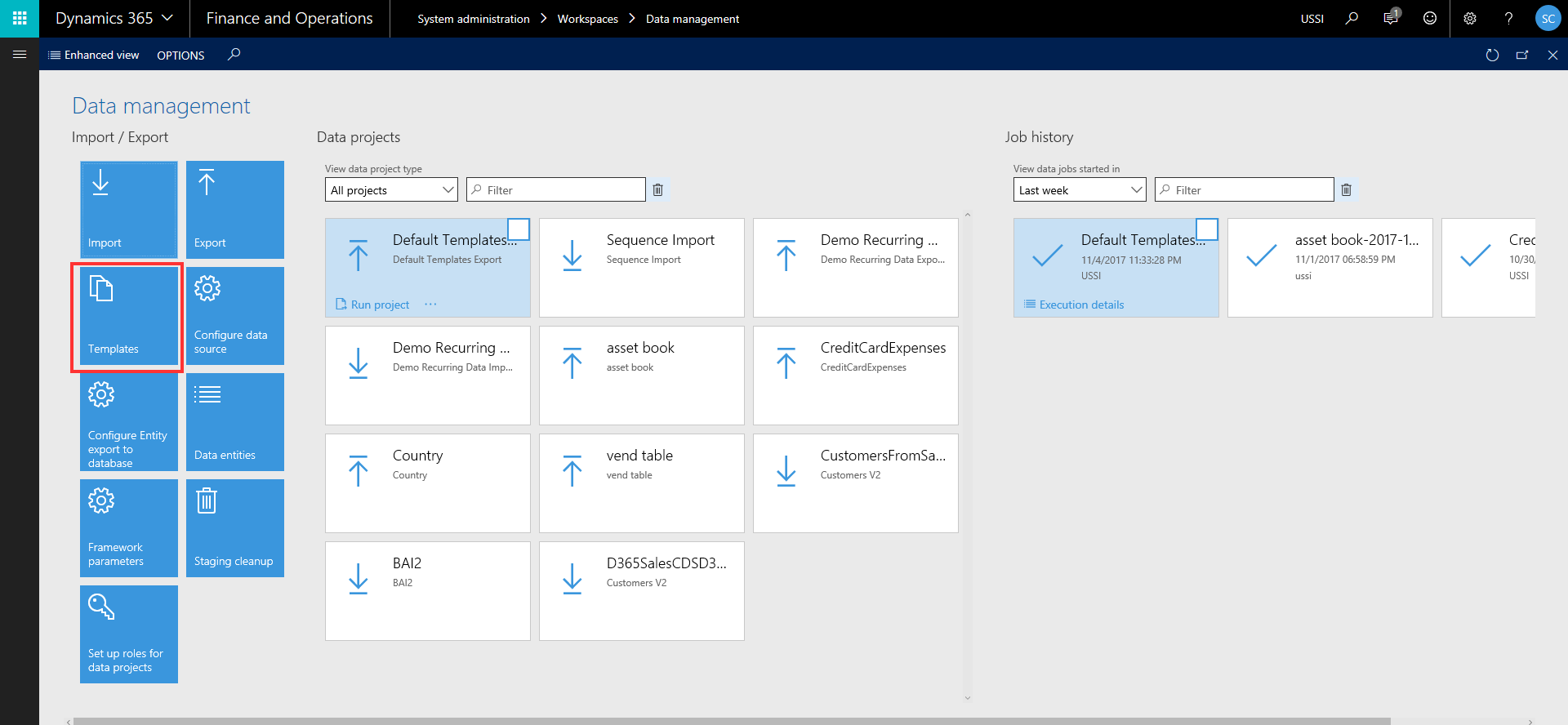
Learn More About Configuration of Data Templates for Seamless Data Import/Export in Dynamics 365
Overview of “Data Templates”, which will help you accelerate the data configuration and export/import management in your Dynamics 365 Implementation
Learn More About The New Dynamics 365 UI Unified Interface – Our Review
The Dynamics 365 Unified Interface is coming and we had the opportunity to review it, below are our thoughts. The Unified Interface for Dynamics 365 is an updated user interface and is common across devices (mobile, tablet and desktop). It also includes some functionality only being released to the new client. You open the Unified…
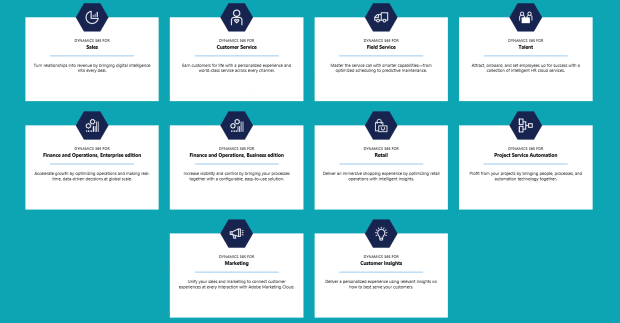
Learn More About The Common Data Service(CDS) and Prospect to Cash integration between Dynamics 365 For Sales and Dynamics 365 For Finance & Operations
CDS-Integration-Dynamics-365

Learn More About Use Microsoft Dynamics NAV Anywhere with the Universal App
With the new NAV Universal App, things just got even more flexible. The NAV Universal App can now be used on your preferred iOS, Android or Windows device including a phone, tablet, phablet, laptop, or desktop. Switch to your favorite device on the go, during meetings, in the office, at home on the couch using…

Learn More About Dynamics 365 for Operations Tips & Tricks: Setting up Time Registration for Production
Microsoft Dynamics 365 for Operations (formerly Dynamics AX) has extensive ability to register time on production jobs through the Time Registration function. What is ‘Time Registration’? Users can register attendance and absences on production jobs. This allows companies to track employee labor costs from production activities. Supervisors can then go in and approve these registrations.…

Learn More About Dynamics 365 Questions, Answers, and More Questions
Those of us who make our living in the Microsoft Dynamics Ecosystem have made friends with Dynamics 365 and apprehension has been replaced by enthusiasm and eagerness to innovate.

Learn More About Dynamics 365 for Operations Tips & Tricks: Production Floor Management Workspace
Workspaces in Dynamics 365 for Operations Workspaces are one of the new hallmark features in Dynamics 365 for Operations (formerly Dynamics AX). Each workspace provides an overview of a specific business processes, rather than focusing on module. Within Workspaces, you can view both transactional data and analytical data through visuals, tiles, KPIs, and quick links…
Learn More About Top 10 Reasons to use IPM
IPM Project Management has a unique environment for managing the day to day operations of project staff. Presented through Outlook, but managed in a MS.SQL database, IPM is able to create, store and track all project communications, RFI’s, drawings and revisions, meeting minutes, change requests, subcontracts and purchase orders to provide a simple but sophisticated…

Learn More About ERP On-Demand vs. On-Premise
What is the Difference Between On-Premises and On-Demand? The traditional model of ERP deployment is called “on-premises”, but it is no longer the only available option. You can also choose an “on-demand” cloud option for your enterprise resource planning (ERP) software. Both have their advantages and disadvantages, depending on the size, type and scope of…