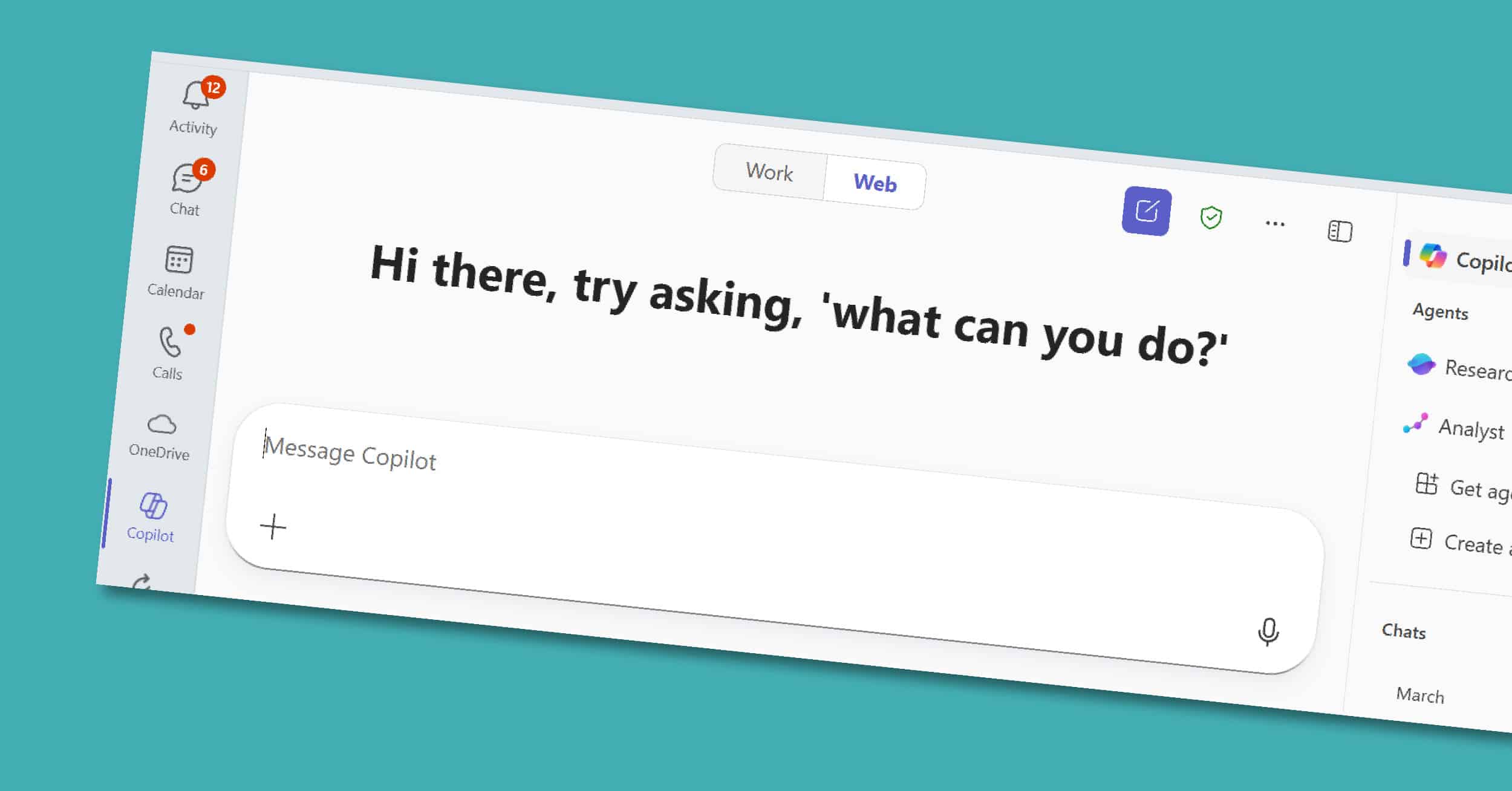
AI is no longer a nice-to-have; it’s transforming how businesses work today. Microsoft 365 Copilot brings artificial intelligence directly into the apps your teams already rely on: Teams, Outlook, Word, PowerPoint, and Excel. For executives and decision-makers, Copilot isn’t just another tool. It’s a strategic partner that drives measurable results: reduced time spent on routine…
For many professionals, Outlook is both the nerve center of their workday and the place where hours slip away. Long email threads, scheduling conflicts, and endless follow-ups can take more time than the work itself. Copilot in Outlook, part of the Microsoft 365 Copilot suite, helps you reclaim some of that time. It summarizes long…
Microsoft designed its various productivity platforms to bring out the best in each other. For example, Microsoft Dynamics 365 becomes a much more powerful resource when connected to Microsoft Excel, Word, Outlook, SharePoint, OneNote, Power BI, and Teams. Here are some ways that you can combine Microsoft 365 (formerly Office 365) with Dynamics 365 for…
Copilot for Sales (formerly Sales Copilot) in Microsoft Outlook is a not-to-miss tool. This application streamlines workflows and introduces advanced features that boost productivity and efficiency within your inbox. Whether you’re navigating Outlook on the web or the desktop application, Copilot for Sales delivers a consistent, feature-rich experience designed specifically for sales teams who also…
The Microsoft 365 suite includes some of the most famous productivity apps on the planet: Word, Excel, PowerPoint, Outlook, and more recently, Teams. It’s easy to write these guys off – because, hey, we all know what Outlook and Excel are supposed to do. But it’s important to let go of what you think you…
{ “@context”: “https://schema.org”, “@type”: “VideoObject”, “name”: “Using Outlook and Dynamics 365 Business Central Together | Velosio ViewPoint”, “description”: “Business Central offers an add-in that lets you manage business interactions with your customers and vendors, directly in Microsoft Outlook. With the Busines…”, “thumbnailUrl”: “https://i.ytimg.com/vi/RFBpciqM3q8/mqdefault.jpg”, “duration”: “PT3M57S”, “contentUrl”: “https://www.youtube.com/watch?v=RFBpciqM3q8”, “embedUrl”: “https://www.youtube.com/embed/RFBpciqM3q8”, “uploadDate”: “2022-04-13T09:13:03-07:00”, “potentialAction”: { “@type”: “SeekToAction”,…
The Dynamics 365 Unified Interface is coming and we had the opportunity to review it, below are our thoughts. The Unified Interface for Dynamics 365 is an updated user interface and is common across devices (mobile, tablet and desktop). It also includes some functionality only being released to the new client. You open the Unified…
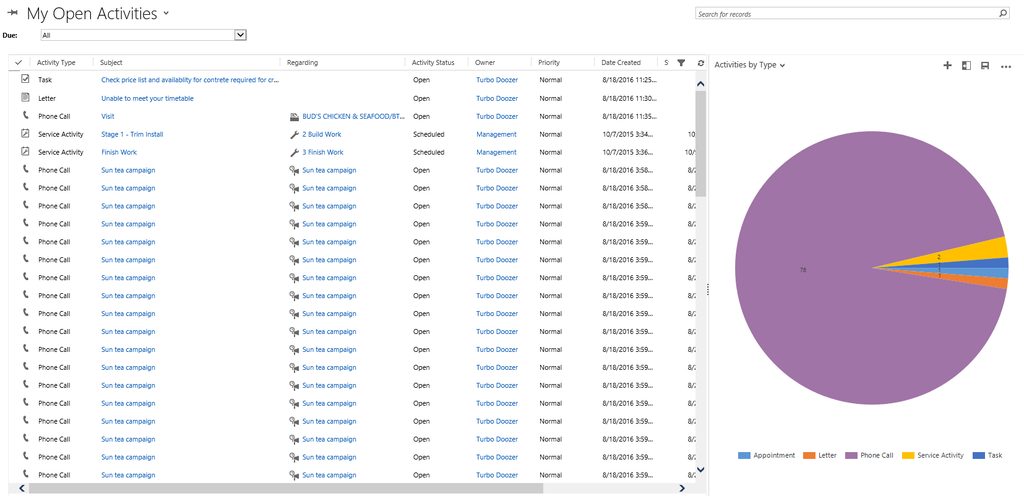
Many of our clients ask us how best to handle the various activities available within the Dynamics 365 suite, especially with the crossover to Office 365. While there are no “set in stone” rules, we have put together some best practices suggestions, based on the functionality available within different programs. So, the question is… What…