20 Real-World Microsoft 365 Copilot Use Cases to Boost Productivity
Transform your business with 20 real-world M365 Copilot use cases. Learn how AI in Teams, Word & Excel boosts productivity and strategic work.

Table of Content
AI is no longer a nice-to-have; it’s transforming how businesses work today. Microsoft 365 Copilot brings artificial intelligence directly into the apps your teams already rely on: Teams, Outlook, Word, PowerPoint, and Excel.
For executives and decision-makers, Copilot isn’t just another tool. It’s a strategic partner that drives measurable results: reduced time spent on routine work, improved accuracy, and more space for creative and strategic thinking. This is how Copilot for business leaders helps teams work smarter every day.

No more awkward interruptions or side messages to ask, “What did I miss?” Copilot summarizes what’s been covered in real time, helping late joiners step in seamlessly.
Result: Teams stay on track, and leaders stay informed without slowing the conversation.
Meeting follow-ups are a notorious time drain. Copilot in Teams automatically creates notes and highlights action items.
Learn more about how Copilot in Teams transforms meetings.
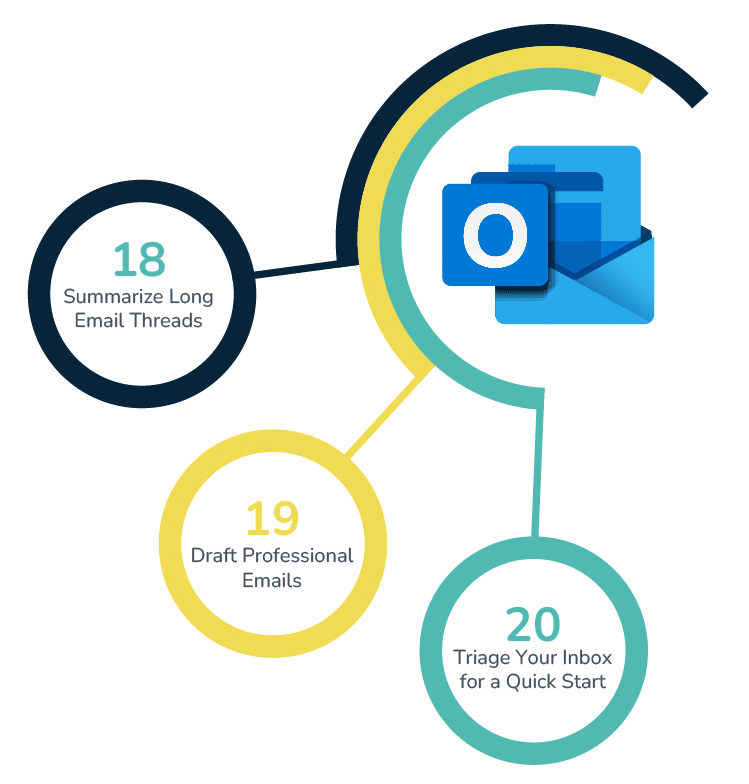
Leaders don’t have time to scroll through endless “Reply All” chains. Copilot delivers a concise summary of key points in lengthy threads.
M365 Copilot productivity is about reducing noise so you can focus on decisions, not inbox clutter.
Communications matter. Copilot helps you craft responses that strike the right balance, whether it’s formal, persuasive, or empathetic.
This capability reflects a broader trend: 90 percent of employees want AI to reduce routine work so they can focus on meaningful tasks (Microsoft WorkLab).
Busy executives can begin each day with a prioritized inbox. Copilot helps categorize what matters most.
Leaders spend less time sorting and more time acting.
Learn more about how Copilot in Outlook transforms email communication.
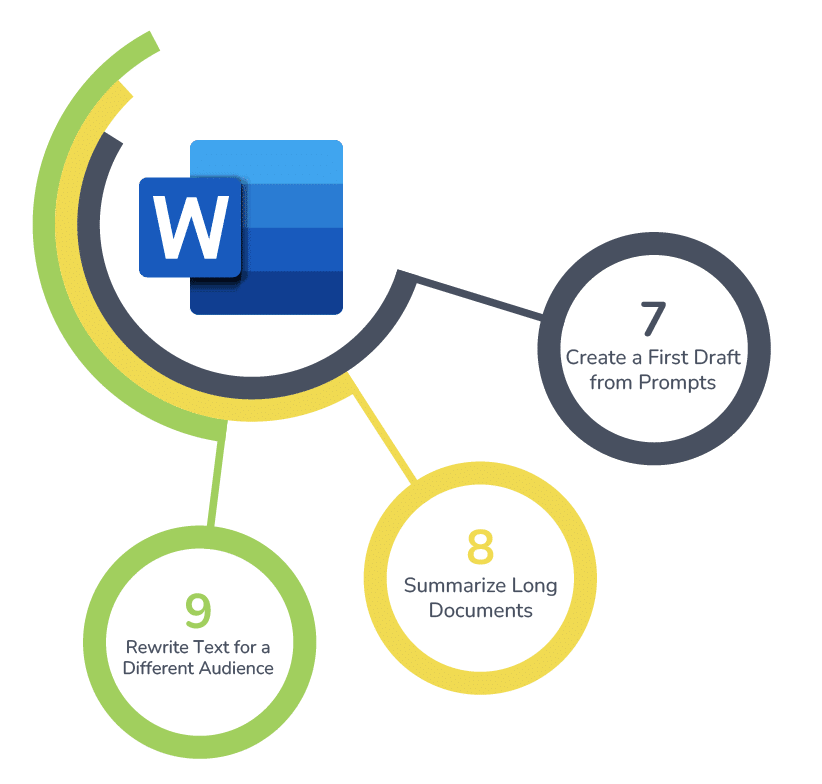
Need a proposal or briefing note? Copilot generates a structured draft from just a short prompt.
Lengthy contracts or reports can consume hours. Copilot highlights the essentials in moments.
Executives often need content tailored for different stakeholders, boards, teams, or clients. Copilot instantly adapts tone and complexity.
Discover how to draft, edit, and summarize documents in seconds with our complete guide to Copilot in Word.
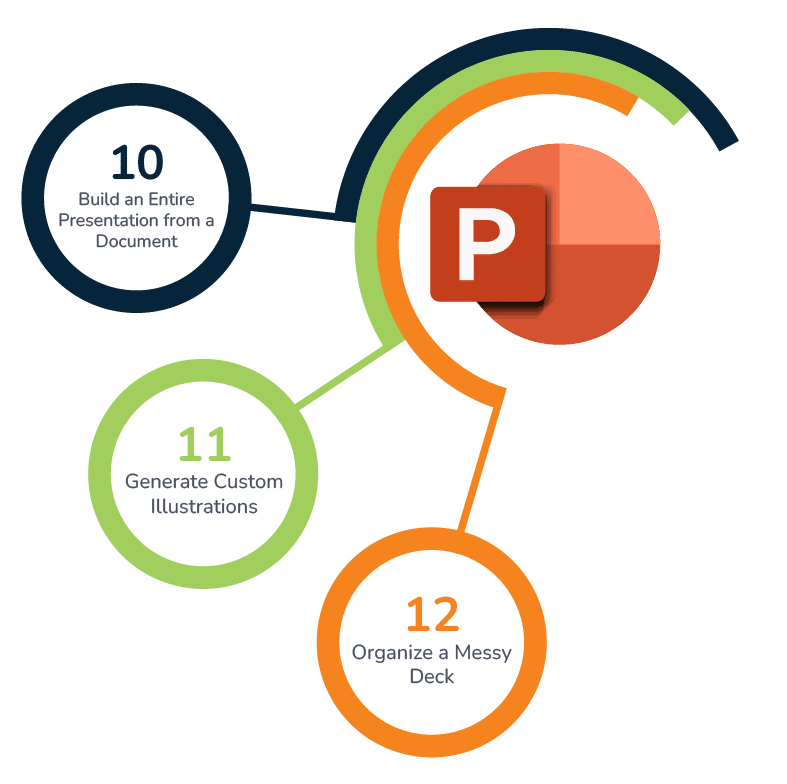
Turn a strategy paper into a presentation in minutes. Copilot in PowerPoint converts text into slides with structured talking points.
Visual storytelling is critical for leaders. With built-in AI in Microsoft 365 apps, Copilot generates professional-quality images to enhance engagement.
Sometimes presentations are “too many slides, not enough story.” Copilot helps restructure content into a straightforward narrative.
Streamline your presentation workflow and create stunning slides in minutes with our comprehensive guide to Copilot in PowerPoint.
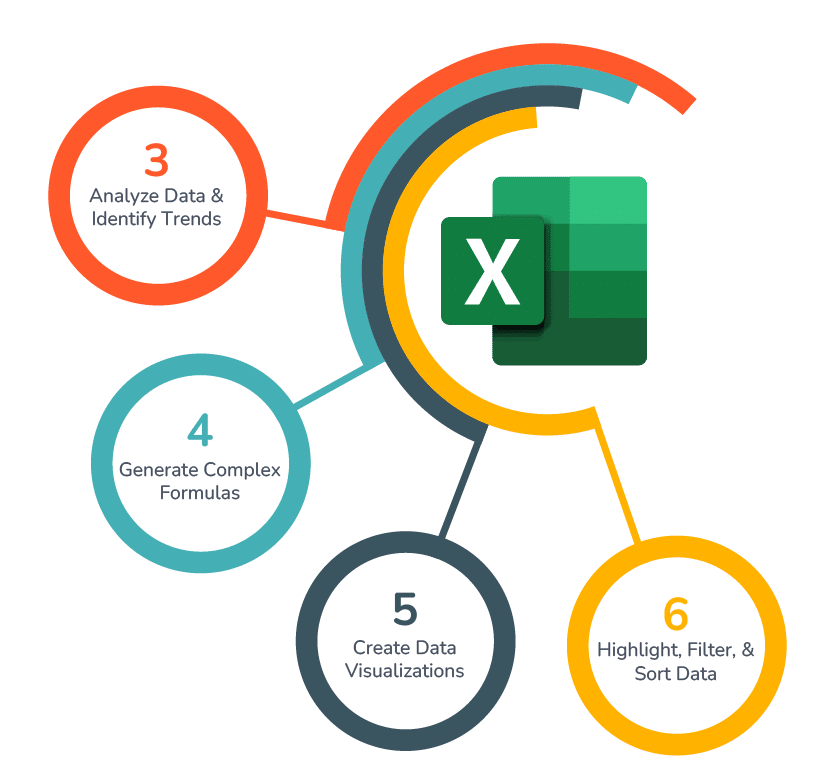
Executives need answers, not spreadsheets. Copilot scans your data and points out what matters.
This aligns with what McKinsey calls “AI as a decision-making accelerant”, reducing time-to-insight for leaders.
No more memorizing formulas. Copilot translates natural language into Excel logic.
Executives often prefer visuals to tables. Copilot builds charts and dashboards on request.
Instead of digging through spreadsheets, Copilot applies filters and highlights patterns.
Unlock powerful data insights and automate complex spreadsheet tasks with our complete guide to Copilot in Excel.
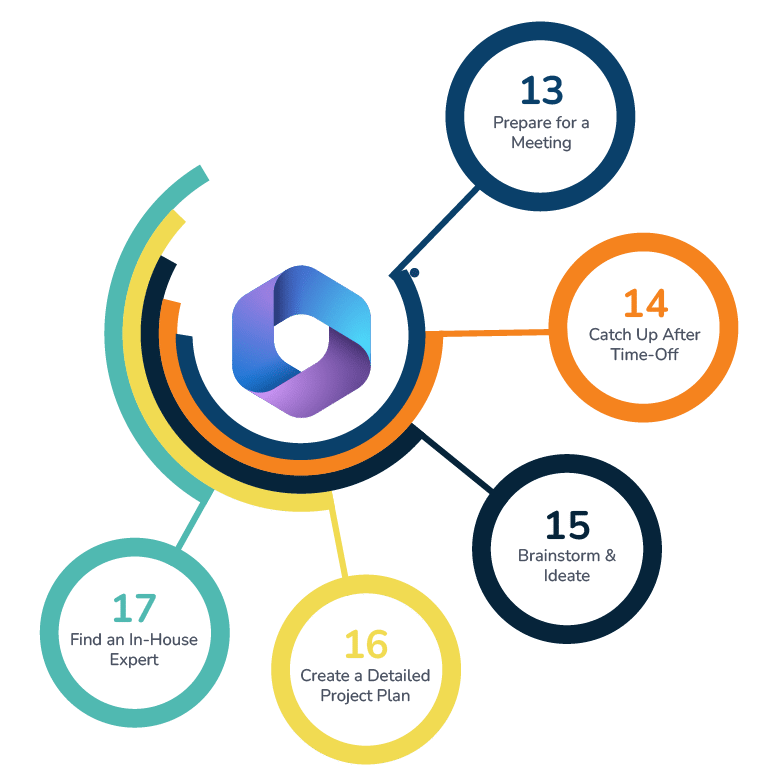
Executives no longer need to scramble across systems. Copilot consolidates emails, notes, and files into a briefing pack.
Leaders walk in prepared, focused, and confident.
Copilot provides a project summary so leaders can return to work without extended handoffs.
Innovation starts with ideas. Copilot helps teams explore new directions.
Copilot can build a project plan with milestones, owners, and timelines from a high-level idea.
Do you need to know who in your organization has the answer? Copilot can surface expertise from Teams chats, documents, and meetings.
Discover how Copilot Chat works across all your Microsoft 365 apps to answer questions, create content, and summarize meetings in our complete guide.
These 20 real-world Microsoft 365 Copilot use cases demonstrate how AI transforms everyday tasks into strategic outcomes. From meetings to project planning, Copilot ensures teams waste less time, leaders make better decisions, and organizations stay agile.
Executives who adopt Copilot now will not only see immediate gains in M365 Copilot productivity but also lay the foundation for long-term innovation and growth.
Microsoft 365 Copilot brings practical AI into the flow of work. It helps teams move faster, communicate more clearly, and make better use of data. But the real value comes from adoption — getting people comfortable, aligning features to workflows, and unlocking the full return on investment.
Velosio can help. As the largest US Microsoft Business Central Partner, a Business Central Global Partner of the Year runner-up, and a 27-time Inner Circle winner, we bring unmatched experience helping organizations adopt Microsoft solutions with measurable results.
We invite you to maximize your M365 Copilot experience by attending one of our free Microsoft Copilot workshops.
Talk to us about how Velosio can help you realize business value faster with end-to-end solutions and cloud services.