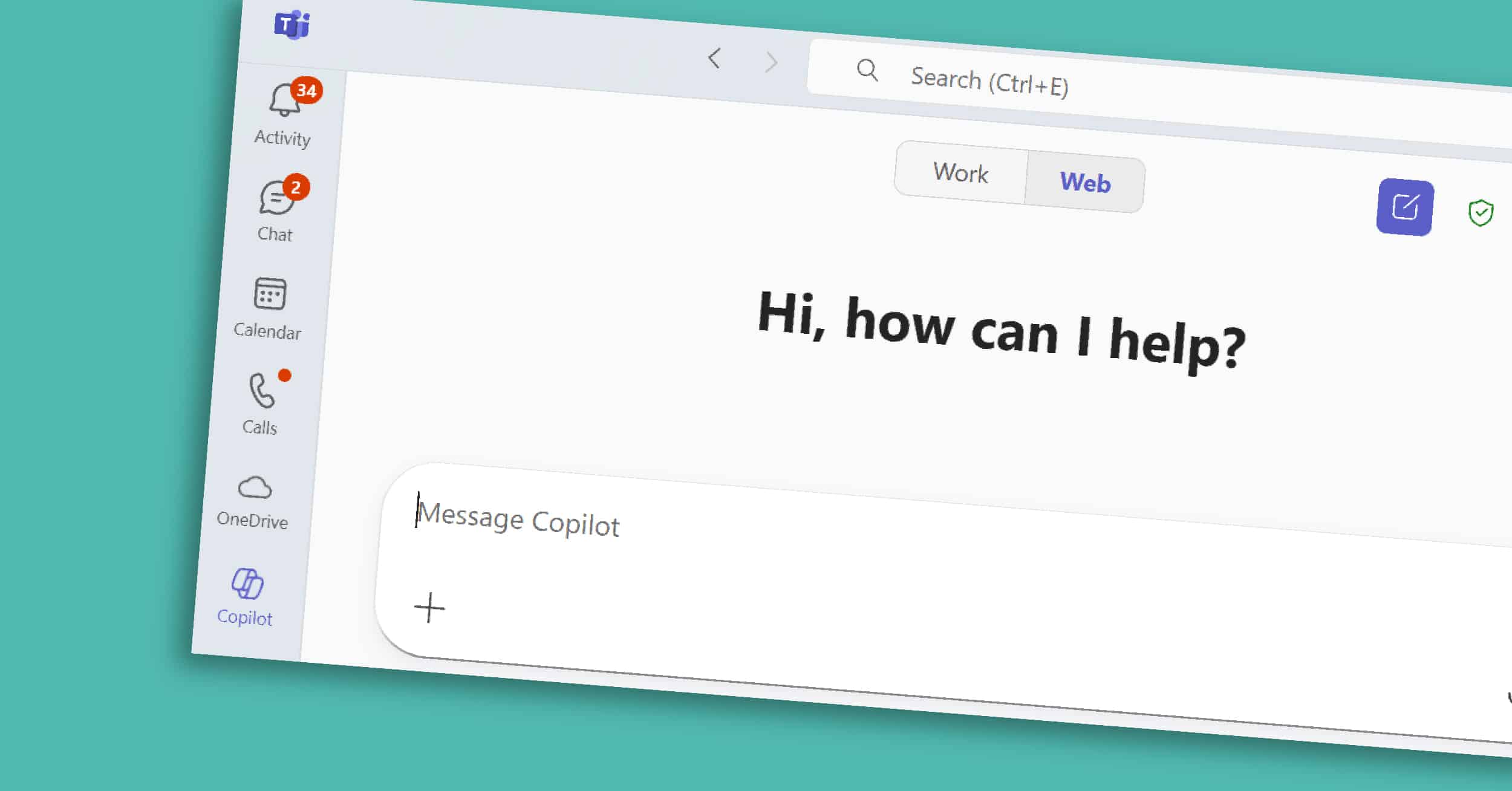
Copilot in Teams is the collaborative core of the Microsoft 365 Copilot suite. For many organizations, Teams is where conversations happen, decisions are made, and projects move forward. However, with back-to-back meetings and fast-moving chats, it’s easy for important details or action items to get overlooked. Copilot helps by adding structure and clarity — summarizing…
Most of us spend hours each week in Word — drafting, rewriting, and reformatting. Copilot in Word, part of the broader Microsoft 365 Copilot suite, is designed to take on those repetitive tasks so you can focus on shaping ideas and delivering impact. In this short guide, we’ll explore what Copilot in Word is, its…
For many professionals, Outlook is both the nerve center of their workday and the place where hours slip away. Long email threads, scheduling conflicts, and endless follow-ups can take more time than the work itself. Copilot in Outlook, part of the Microsoft 365 Copilot suite, helps you reclaim some of that time. It summarizes long…
Copilot Chat works across Microsoft 365, giving you one place to ask questions, find information, and prepare for the day. Unlike Copilot features embedded in Word or Excel, Copilot Chat is where you can ask a question once and tap into emails, documents, chats, and more — in one place. It’s the starting point for…
Copilot in PowerPoint is a visual and organizational powerhouse within the broader Microsoft 365 Copilot suite. Presentations are often where strategy meets storytelling — but building a deck can take hours of formatting, reworking slides, and hunting for the right visuals. With Copilot built into PowerPoint, you can move from a blank slide to a…
In any organization, communication gaps, outdated documents, and disconnected tools can quickly lead to confusion and lost productivity. Whether it’s HR policies, onboarding materials, or company-wide announcements, teams need a reliable place to access essential resources. That’s where an Employee Resource Hub built in SharePoint comes in. By centralizing key information in a single, easy-to-navigate…
Artificial intelligence is no longer a futuristic concept, it’s here, transforming the way businesses operate and reshaping the modern workforce. Microsoft Copilot is at the forefront of this revolution, integrating AI-powered assistance into the tools businesses already rely on daily. Whether it’s simplifying workflows, uncovering data-driven insights, or automating tedious tasks, Copilot is designed to…
Endless email chains, misplaced files, and slow response times can bog down productivity. Thankfully, SharePoint and Microsoft Power Automate offer a streamlined solution for automating the document approval process. In this guide, we’ll walk you through setting up a document approval workflow in SharePoint using Power Automate. Why Automate Document Approvals in SharePoint? An automated…
Background: In October 2024, a construction equipment services organization joined Velosio’s Microsoft Copilot workshop, where they explored features like automated meeting summaries, PowerPoint creation, and chatbot development with Copilot Studio. Impressed by its capabilities, they implemented Copilot across their organization, focusing on meeting management, data analysis, and document creation. Meeting summaries and action items generated…
Background The ability to adapt and innovate in the rapidly evolving industry is crucial for a global IT leader. In October 2024, the organization attended a Copilot workshop with Velosio to explore features like automated meeting summaries, data analytics, and chatbot creation. Inspired by the session, they decided to implement Copilot to optimize meeting management,…