How Microsoft and Velosio are helping finance teams reimagine the future of work. Finance teams are under unprecedented pressure to close the books faster, deliver real-time insights, and guide strategic decisions in an unpredictable economy. During our recent AI in Finance webinar, panelists from Velosio and Microsoft discussed how artificial intelligence (AI) and autonomous agents…
Executives today are facing pressure from all sides: rising costs, talent shortages, market volatility, and constant digital disruption. The reality? Leaders don’t need more tools. They need outcomes, efficiency gains, cost reductions, sharper insights, and faster decision-making. That’s exactly where Microsoft Copilot Studio comes in. Unlike out-of-the-box AI assistants that deliver generic results, Copilot Studio…
Finance leaders are under increasing pressure to deliver accurate reports, manage financial risk, and provide financial insights faster. But manual reconciliations, outdated systems, and disconnected data slow progress and leave little time for strategy. Many teams still rely on spreadsheets or legacy tools that limit flexibility and scalability, making it difficult to see the full…
Small and midsized businesses depend on Microsoft Dynamics 365 Business Central (BC) to unify finance, supply chain, sales, and operations. But as companies scale, complexity increases. Manual processes slow teams down. Reports take too long to generate. Decision-making lags. That’s where Microsoft Copilot in Business Central comes in. More than just automation, Copilot is a…
Microsoft and Google are no longer just advancing cloud office tools; they’re embedding generative AI into every document, email, and meeting. The real choice businesses face today isn’t between features; it’s between ecosystems. The best AI assistant is the one that works where your team already lives. This article compares Microsoft Copilot for Microsoft 365…
Most of us have a love–hate relationship with Excel. It’s where budgets are created, forecasts are tested, and performance is evaluated. But it’s also where hours can be lost to formula errors, cluttered data, and charts that never quite tell the full story. This is exactly the kind of work Copilot in Excel can simplify.…
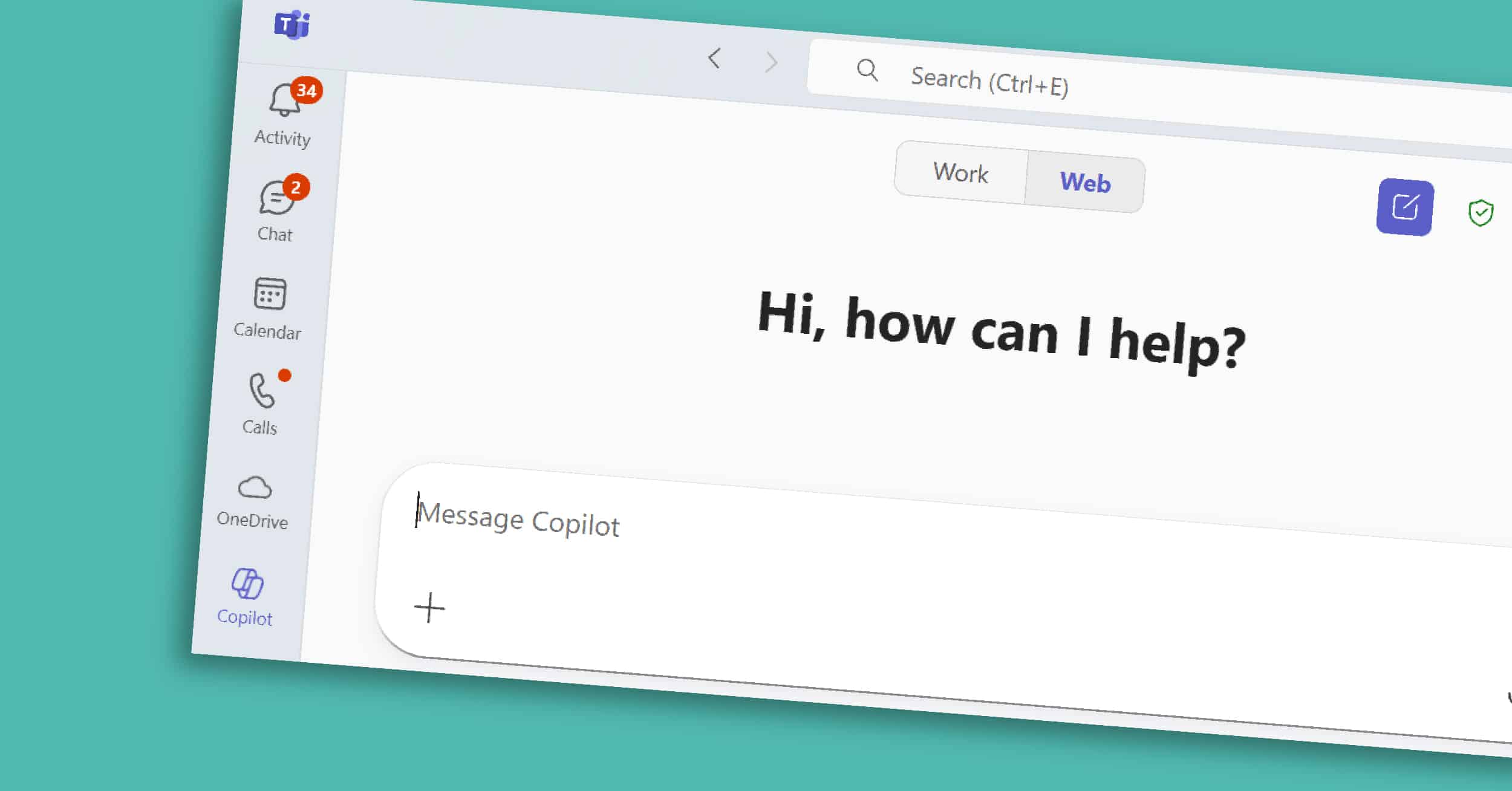
Copilot in Teams is the collaborative core of the Microsoft 365 Copilot suite. For many organizations, Teams is where conversations happen, decisions are made, and projects move forward. However, with back-to-back meetings and fast-moving chats, it’s easy for important details or action items to get overlooked. Copilot helps by adding structure and clarity — summarizing…
Most of us spend hours each week in Word — drafting, rewriting, and reformatting. Copilot in Word, part of the broader Microsoft 365 Copilot suite, is designed to take on those repetitive tasks so you can focus on shaping ideas and delivering impact. In this short guide, we’ll explore what Copilot in Word is, its…
For many professionals, Outlook is both the nerve center of their workday and the place where hours slip away. Long email threads, scheduling conflicts, and endless follow-ups can take more time than the work itself. Copilot in Outlook, part of the Microsoft 365 Copilot suite, helps you reclaim some of that time. It summarizes long…
Copilot Chat works across Microsoft 365, giving you one place to ask questions, find information, and prepare for the day. Unlike Copilot features embedded in Word or Excel, Copilot Chat is where you can ask a question once and tap into emails, documents, chats, and more — in one place. It’s the starting point for…