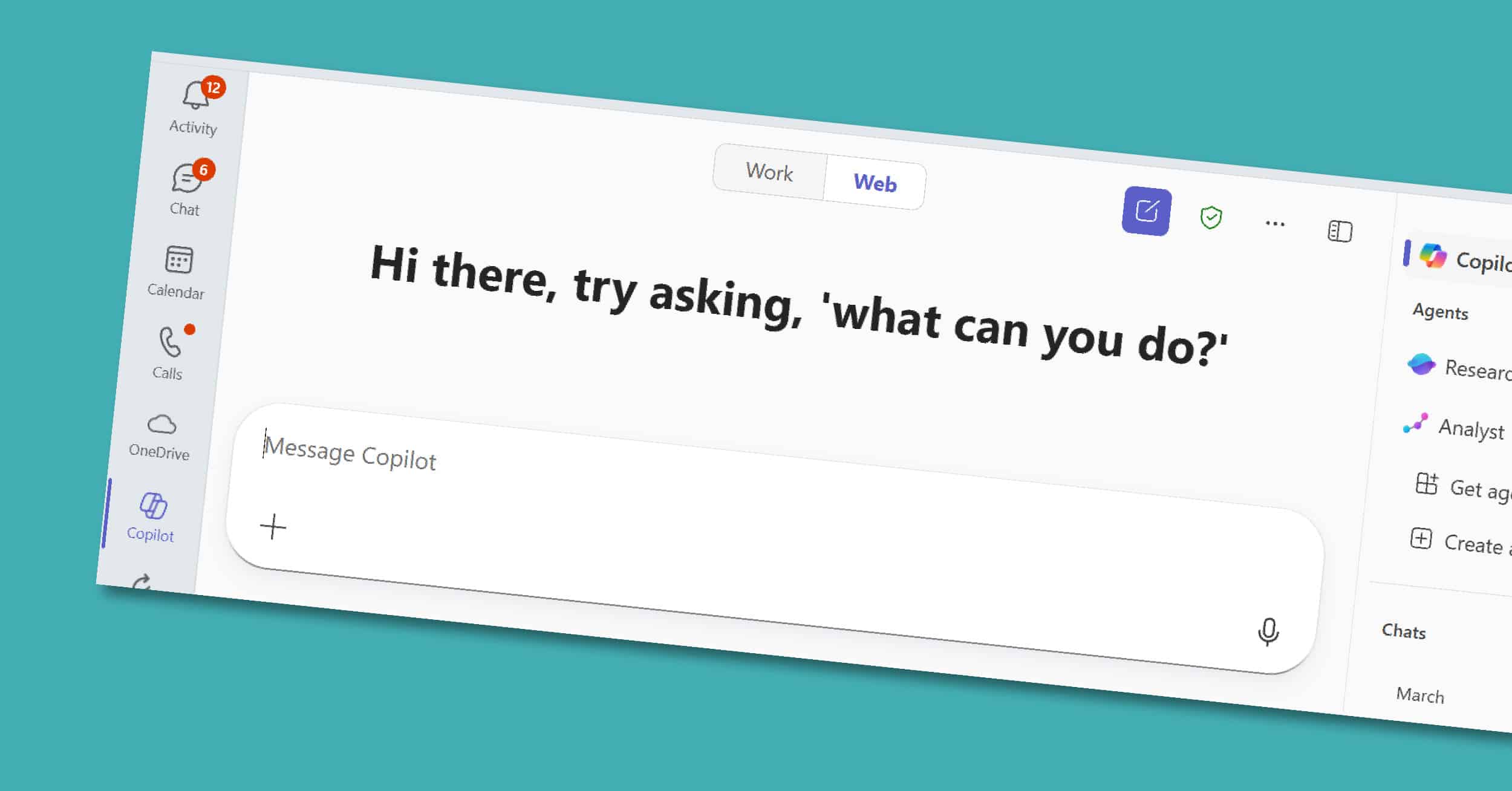
AI is no longer a nice-to-have; it’s transforming how businesses work today. Microsoft 365 Copilot brings artificial intelligence directly into the apps your teams already rely on: Teams, Outlook, Word, PowerPoint, and Excel. For executives and decision-makers, Copilot isn’t just another tool. It’s a strategic partner that drives measurable results: reduced time spent on routine…
Most of us spend hours each week in Word — drafting, rewriting, and reformatting. Copilot in Word, part of the broader Microsoft 365 Copilot suite, is designed to take on those repetitive tasks so you can focus on shaping ideas and delivering impact. In this short guide, we’ll explore what Copilot in Word is, its…
Microsoft designed its various productivity platforms to bring out the best in each other. For example, Microsoft Dynamics 365 becomes a much more powerful resource when connected to Microsoft Excel, Word, Outlook, SharePoint, OneNote, Power BI, and Teams. Here are some ways that you can combine Microsoft 365 (formerly Office 365) with Dynamics 365 for…
The Microsoft 365 suite includes some of the most famous productivity apps on the planet: Word, Excel, PowerPoint, Outlook, and more recently, Teams. It’s easy to write these guys off – because, hey, we all know what Outlook and Excel are supposed to do. But it’s important to let go of what you think you…